Shift · 5 min
How to check a transaction — 5 points before confirm
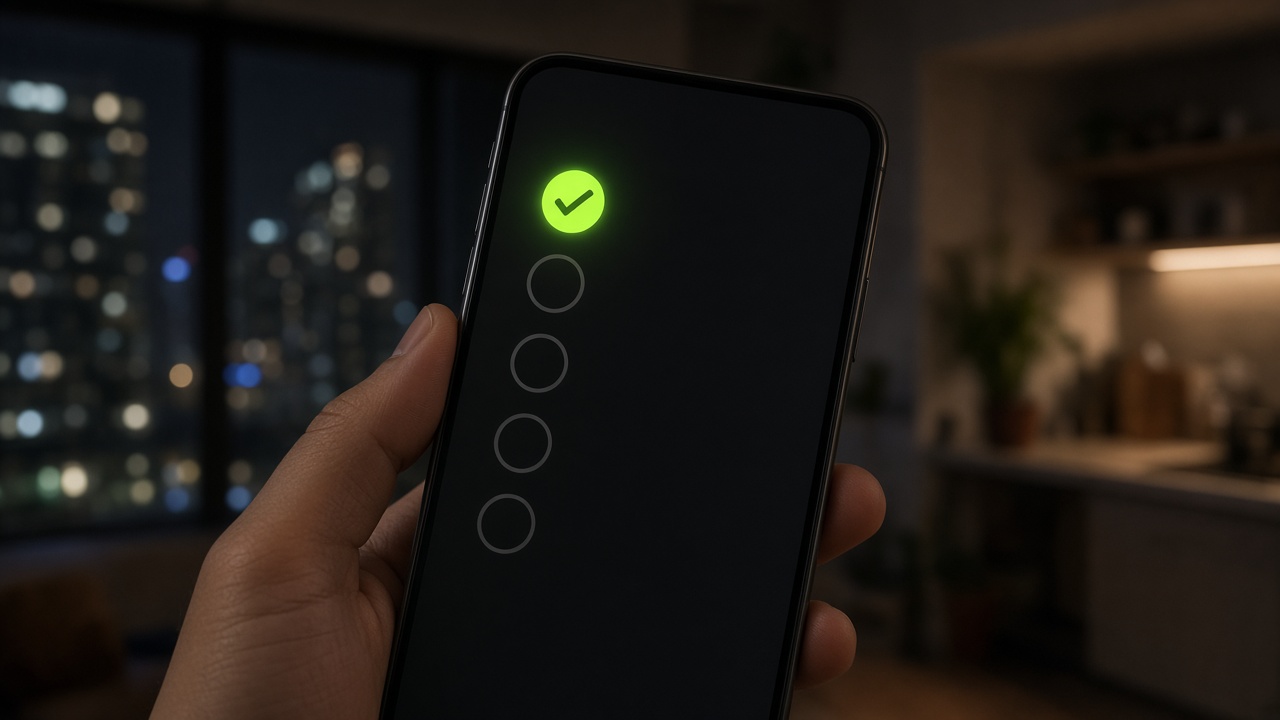
Confirm is not a speed tick. It is a statement that the money is yours and the amount is right. A mistake here costs an appeal, sometimes the account.
1. Amount to the rupee
Order ₹12,050. SMS shows ₹12,000. That is not your order. Do not confirm — go to chat. “I will top up from another number” is forbidden. The customer pays the exact panel amount.
2. UTR / transfer ID
IMPS and bank transfers have a unique number. It must be in the SMS and must not walk across two orders. A reused UTR is a red flag.
3. Destination
The money landed on the account in the order, not the neighbouring one in your own panel. At night people mix them. Check VPA / account number, not “almost the same”.
4. Timer
An expired order is cancelled. Confirm after the timer breaks the books: the customer may already have paid another rail. Do not “save” it by hand.
5. Remark and name
Texts like refund, wrong, test, “I will return it” — stop. Write to support before any button. It is cheaper to keep a chargeback out than to unwind it later.
Atlas Pay automation reads SMS. It does not think for you if the amount does not match. Full shift order is in the playbook.